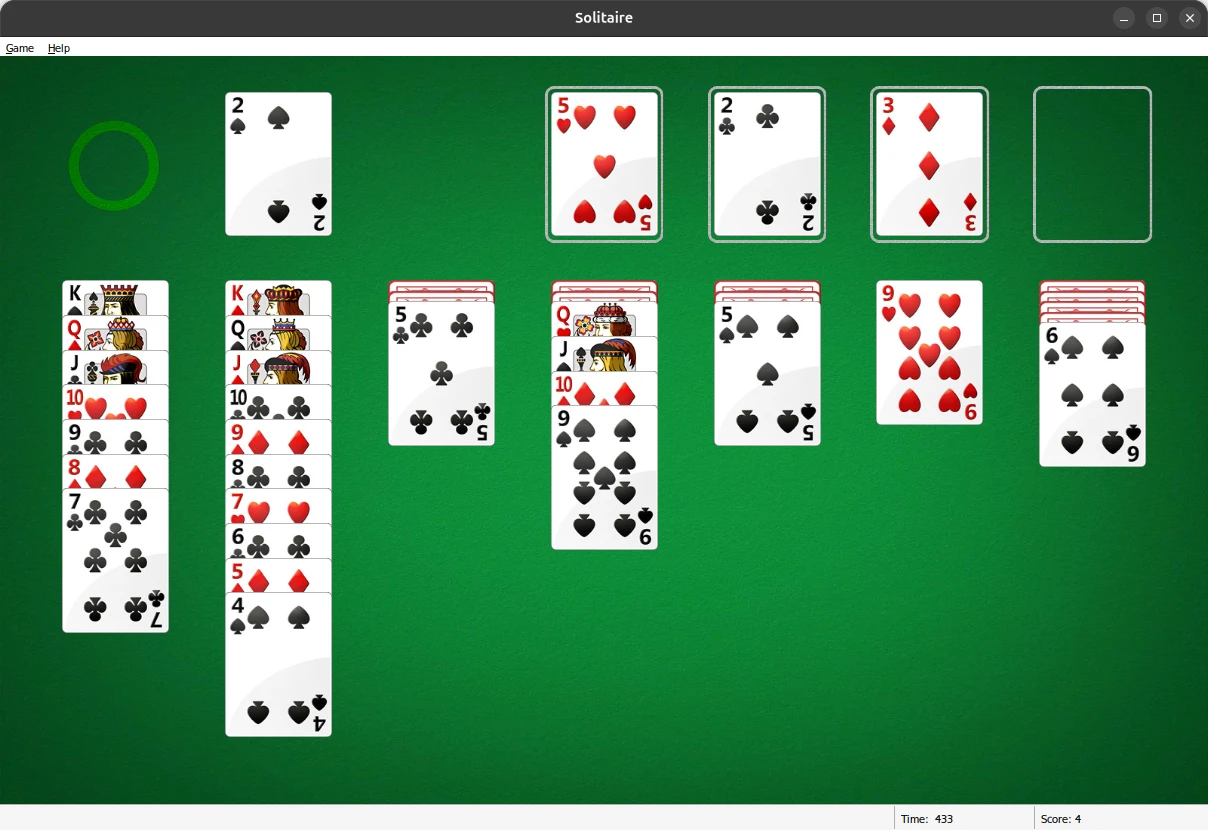
I love Solitaire. Possibly borderline addicted to it, and I certainly owe my improving mental health to it. I have a soft spot for the classic Windows XP version of Solitaire, with the satisfying glitchy bouncing cards after winning a game after playing for 3 hours straight after school. The Windows 7 version takes 2nd place, though. It's more refined with better graphics, sound effects and a more modern UI, all of which simultaneously make it feel like a step down from the low poly feel of the Windows XP version. However, Microsoft removed all of these in favour of an ad-supported micro-transaction-ridden utopia, with horrible scaling to taste.
Thankfully, someone made an installer for the old Windows 7 games for the later versions of Windows, which I used for a while. However, after migrating to Linux full-time, I found myself missing these games dearly. And no, AisleRiot just doesn't cut it for me; the whole look and feel screams "side-project", with no attention to detail or room for whimsy. Ew.
Thus begins my journey of manually getting Solitaire working on Linux
So, I decided to deal with the devil, and with the installer of dubious origin, I had Solitaire running on my machine under Wine. This came with a few issues; the sound files were not being played back properly, if they played at all, the menus had no text, and many features simply didn't work, like the hint button, undoing moves or even the options menu to change the theme.
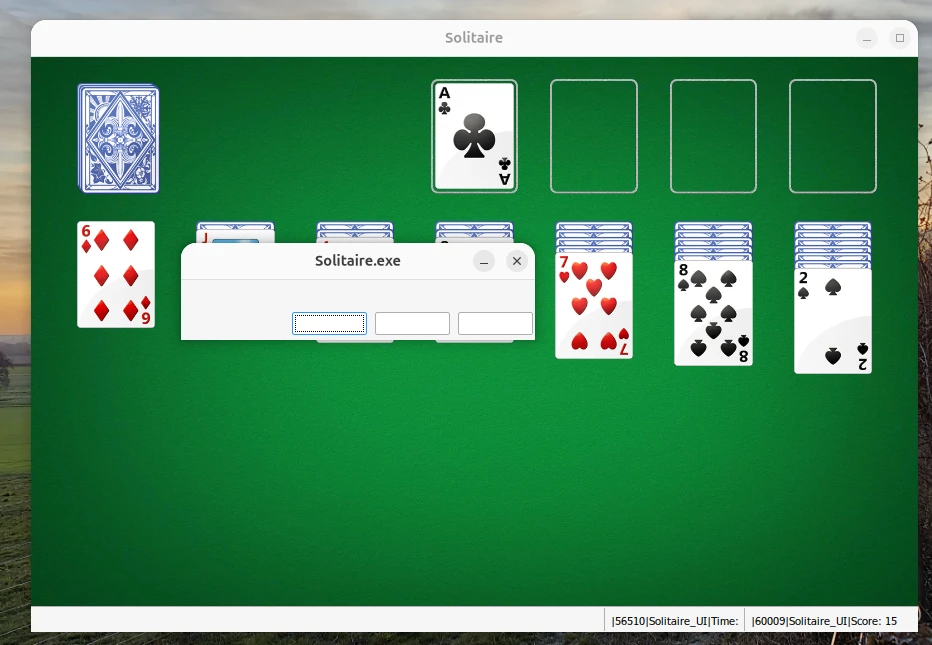
The latter two issues were a result of the same problem; Wine doesn't read MUI language files when running an executable, which is where each game stores its text for menus and UI elements. This was made apparent to me from a forum thread on the WineHQ forums, with the solution being to embed the MUI file into the executable using Resource Hacker. This fixed all the text issues, as well as bringing back the menu bar, which in turn fixed the keyboard shortcuts not working!
The sound issue was a bit more tricky, though. To get sound working at all, I used a newer version of Wine (11.0, to be exact) and installed all the GStreamer plugins packages, of which the 'ugly' package did the trick. However, it still didn't sound right; certain sound effects appeared to not even play, while others sounded fine.
It turned out that Windows handles audio files differently to Linux, specifically WMA files, which is what each sound effect is encoded with in CardGames.dll. Since the header of each of the files is not what Linux expects, the first few milliseconds of audio is skipped, which explains why certain sound effects seemed to not play at all. This was solved by extracting the DLL file, re-encoding the audio files to mp3 using ffmpeg, and repackaging the result.
Automating the process
The result looked just as I hoped, all the old Windows magic, working within Linux, no compromises. Through the debugging process, I found many people who went down a similar path to me, and I figured there's a need for some automated method of doing all of this, at the very least if I wanted to do all of that again on a different machine.
So, with the help of Gemini, I put together a selection of scripts which automate the entire process, from injecting the MUI file into the executable to patching the CardGames.dll file to get audio working properly, simply by passing the installer executable as argument. I tested this by using the script on my desktop running Arch, and it worked perfectly, minus some lag (which I assume is an NVIDIA issue).
If I wanted to spend more time on this, I'd have dependencies auto-install and a way to install these games from a Windows 7 ISO, but this project is complete enough for my needs.